AbyssEditor
1.1.0bolt Auto Auto-updates from GitHubLast synced May 03, 2026 20:16 UTCAbyss Editor is a Terrain (Optoctreepatch) Editor for Subnautica & Subnautica Below Zero.
collections Gallery
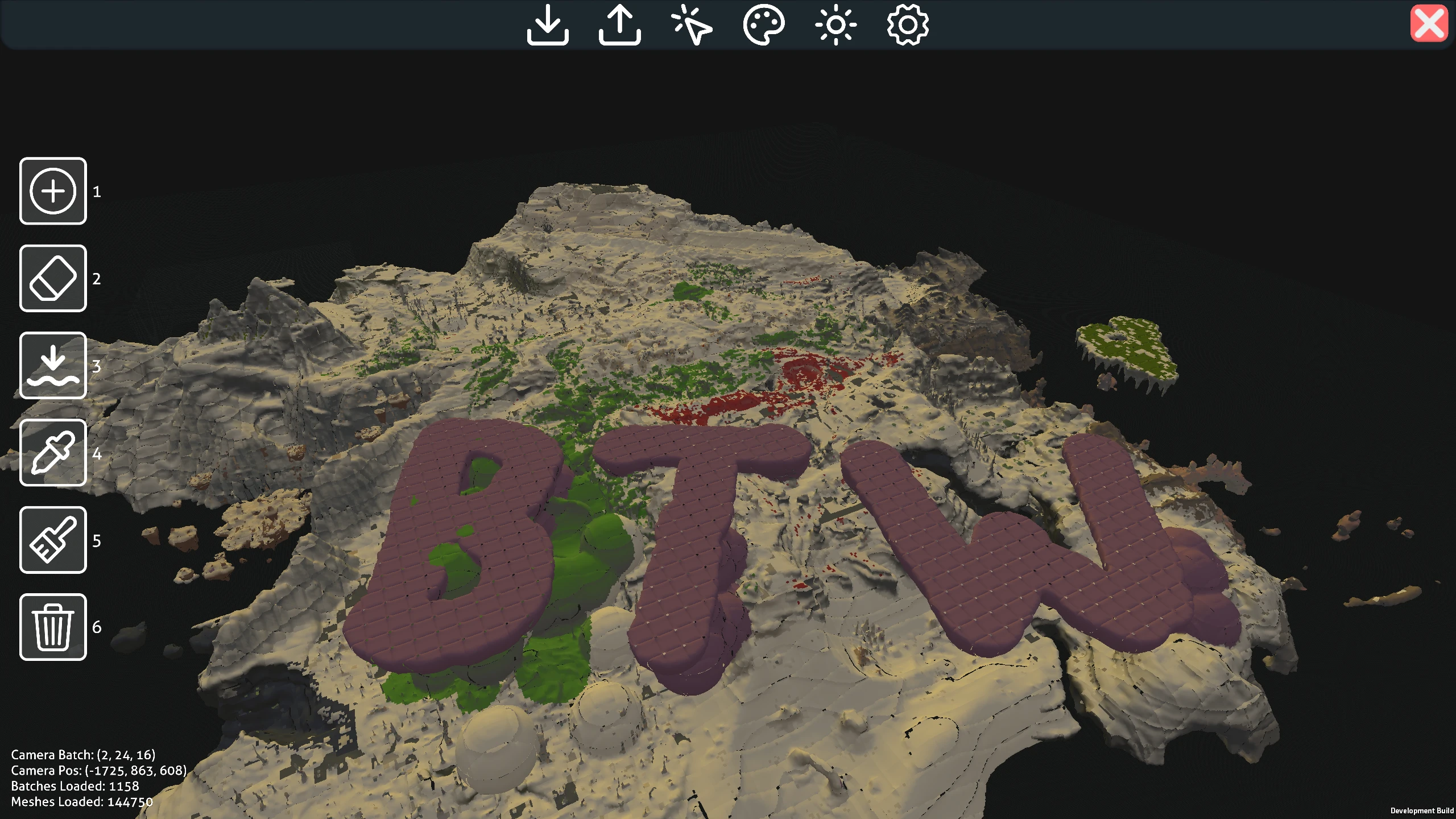
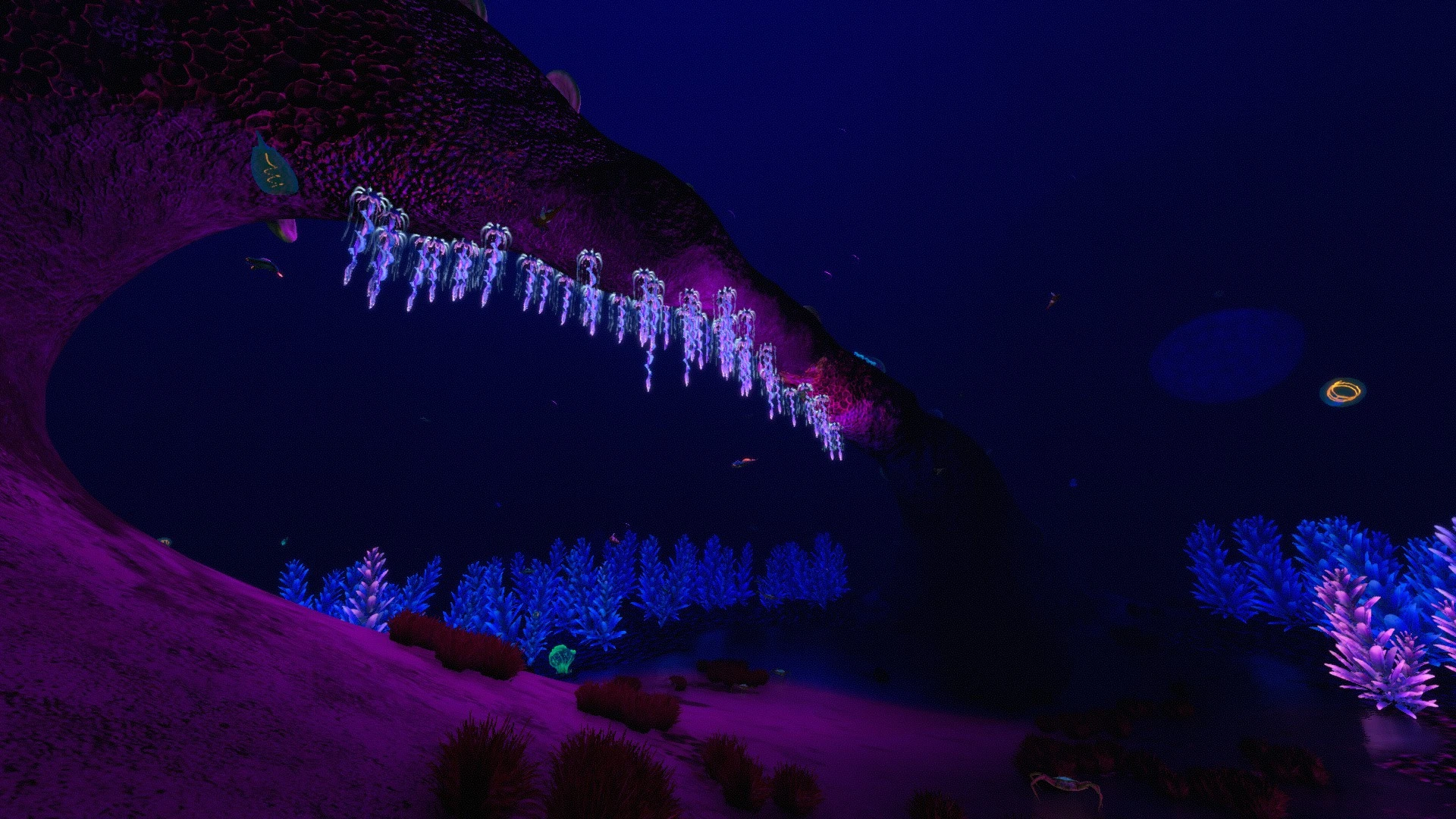
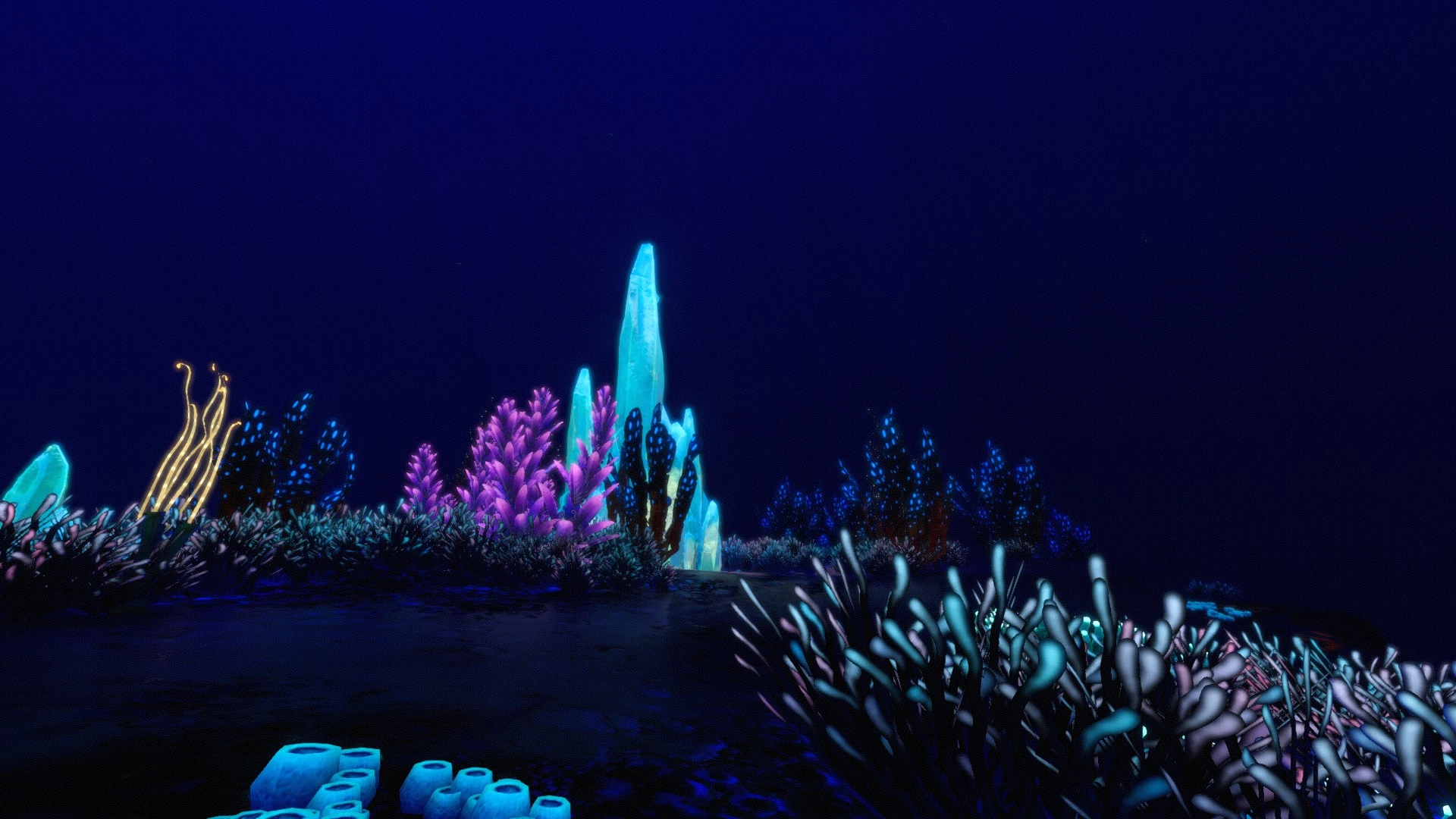
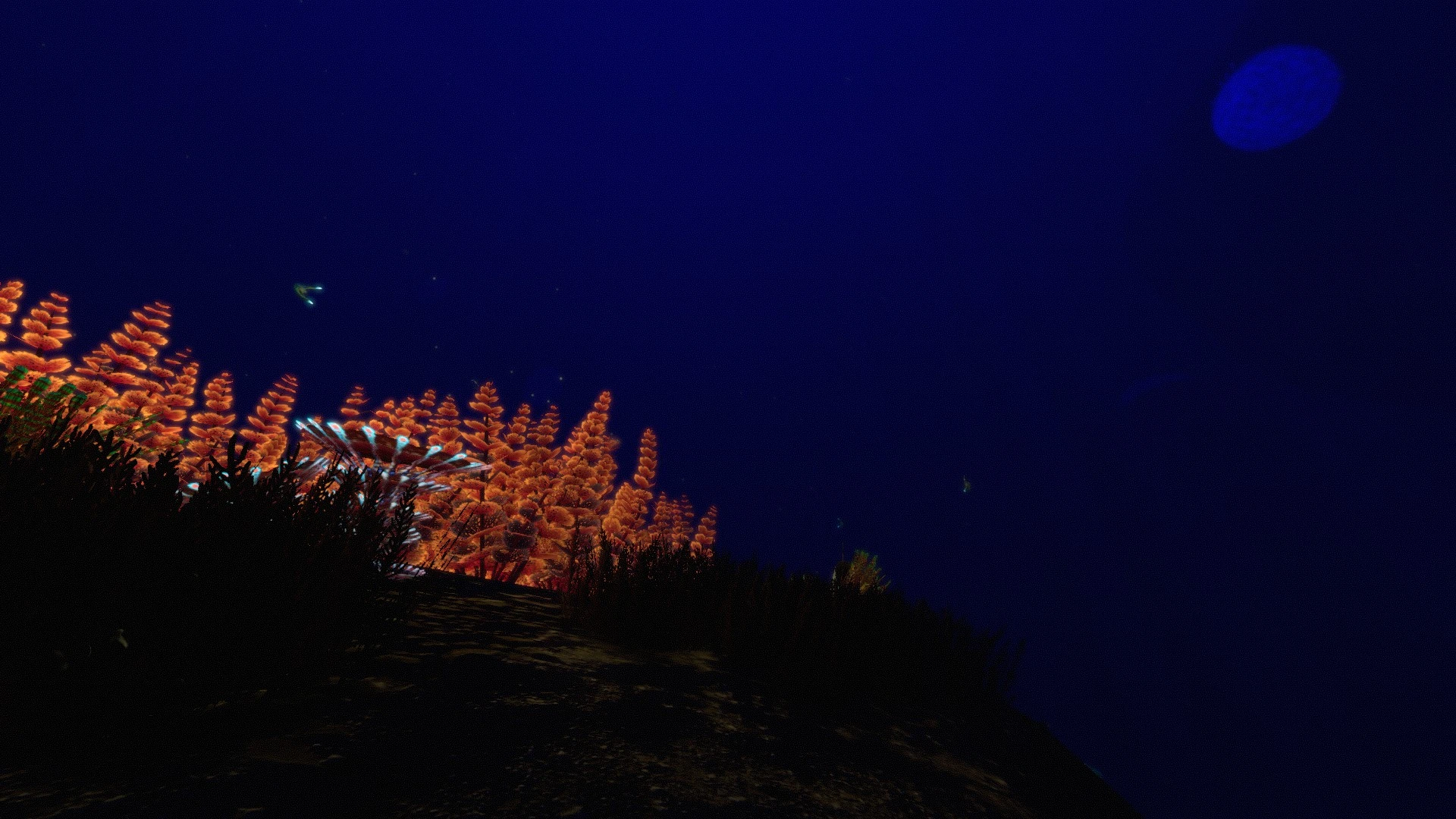
Abyss Editor
What is Abyss Editor?
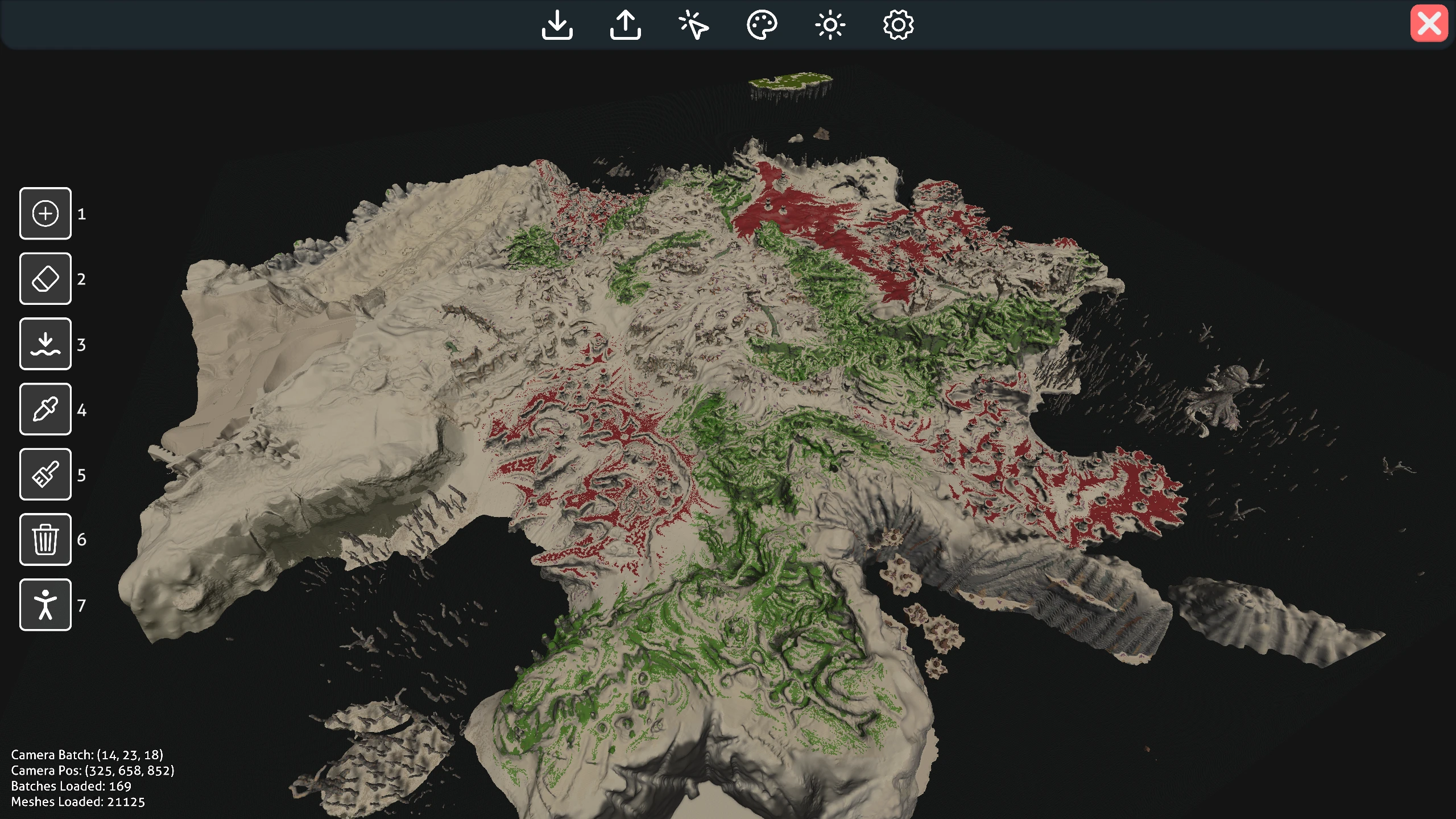
Abyss Editor is a Terrain (Optoctreepatch) Editor for Subnautica & Subnautica Below Zero. Built on top of Reef Editor and Void Editor, there are tons of features, fixes, and performance improvements for you to enjoy!
Current OS Support:
| Operating System | Support |
|---|---|
| Windows | ✅ |
| Linux | ✅ |
| MacOS | ✅ |
Downloads are available on nexus here
Note
Major improvements and features over Reef Editor:
- Significant performance increases
- Batch loading/removing without wiping progress
- Improved tools (smoothing, flattening, etc.)
- Discord RPC & scene light customization
- Fixed exporting (no more corrupted or cubed batches)
- Terrain works anywhere in the Subnautica world, including the void/negative batches
- Faster saving, loading, and exporting
- Auto-loading materials, brush toggling, batch grids, and more
Tip
How to use Abyss Editor:
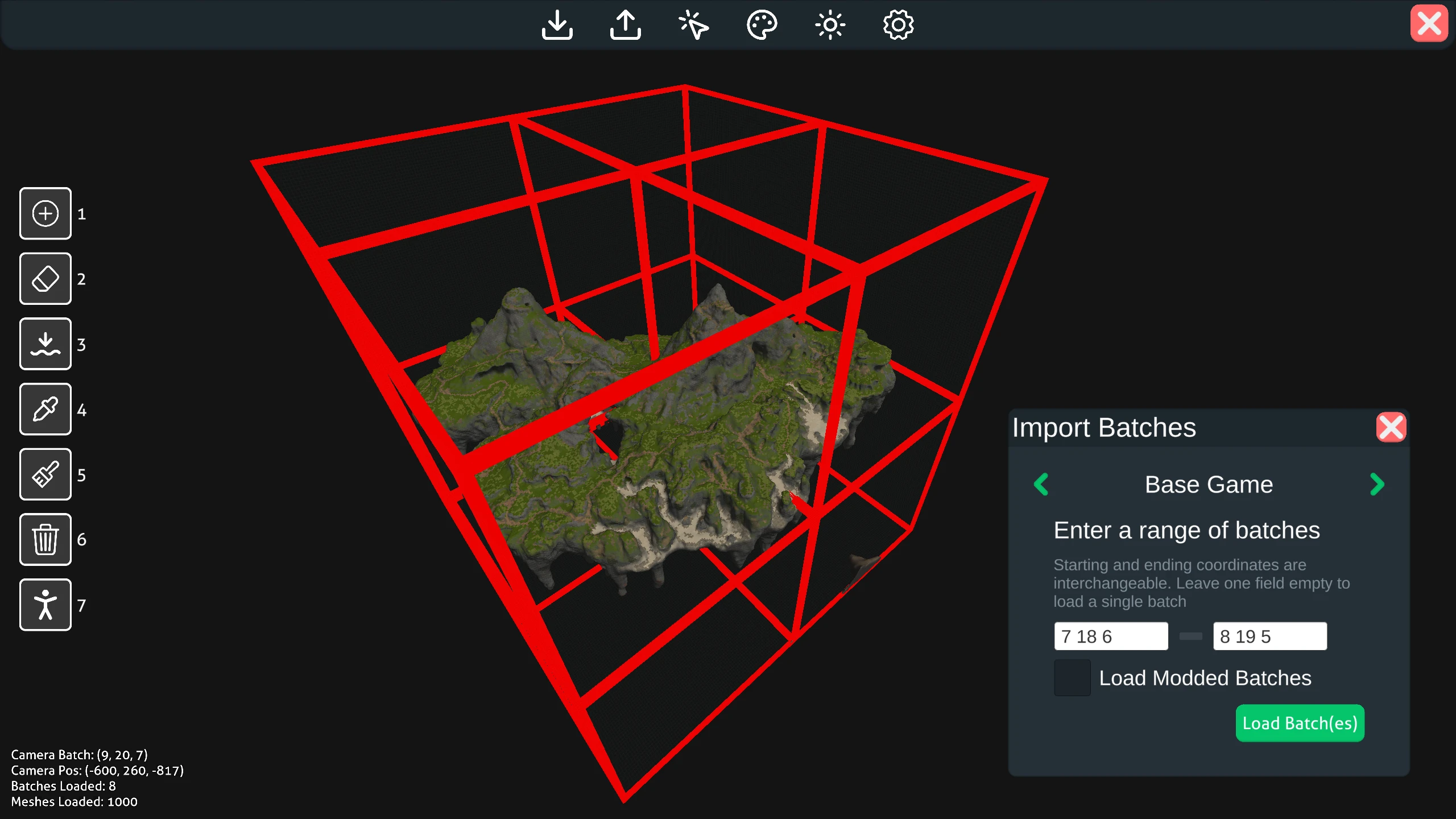
- Click Play to enter the editor.
- Head to the gear icon to set your Subnautica installation path and adjust any settings.
- From there, load batches via an optoctreepatch file or batch numbers (findable in-game via F3 — they define a diagonal box of terrain).
- Once loaded, modify the terrain freely. Use tooltips or the help menu if you're unsure about a tool.
Loading your edits:
- Install Terrain Patcher and unzip into your Subnautica\BepInEx\plugins folder.
- You can leave patches anywhere inside your plugins folder, check in-game to see your edits.
Important
Development Setup:
- Download the repo and open it in Unity (6000.3.9f1). It may take some time to import the project fully.
- Open the MainMenu scene or the AbyssEditor scene within Assets/AbyssEditor/Scenes
- You can now use Abyss Editor through the Unity Editor or build an executable, its that easy!
Contributing: Right now, we are open to pull requests. But I would recomend contacting me on discord (@jbeast291) or creating a draft pull request first with what you plan to change.
Contributors
Active Developers: Jbeast291 (Lead Dev), Kallie23 (Assistant Dev)
Past Developers: Metious, Lyonic, Eterna (original creator of Reef Editor)
Credits:
- Main Menu Images: OliveGarden
FAQ
Join the conversation
Log in to join the conversation
Connect with GitHub to post comments and react.
No comments yet — be the first to share your thoughts.
Versions
View AllProject Metadata
113
26