I-Am-Peeper
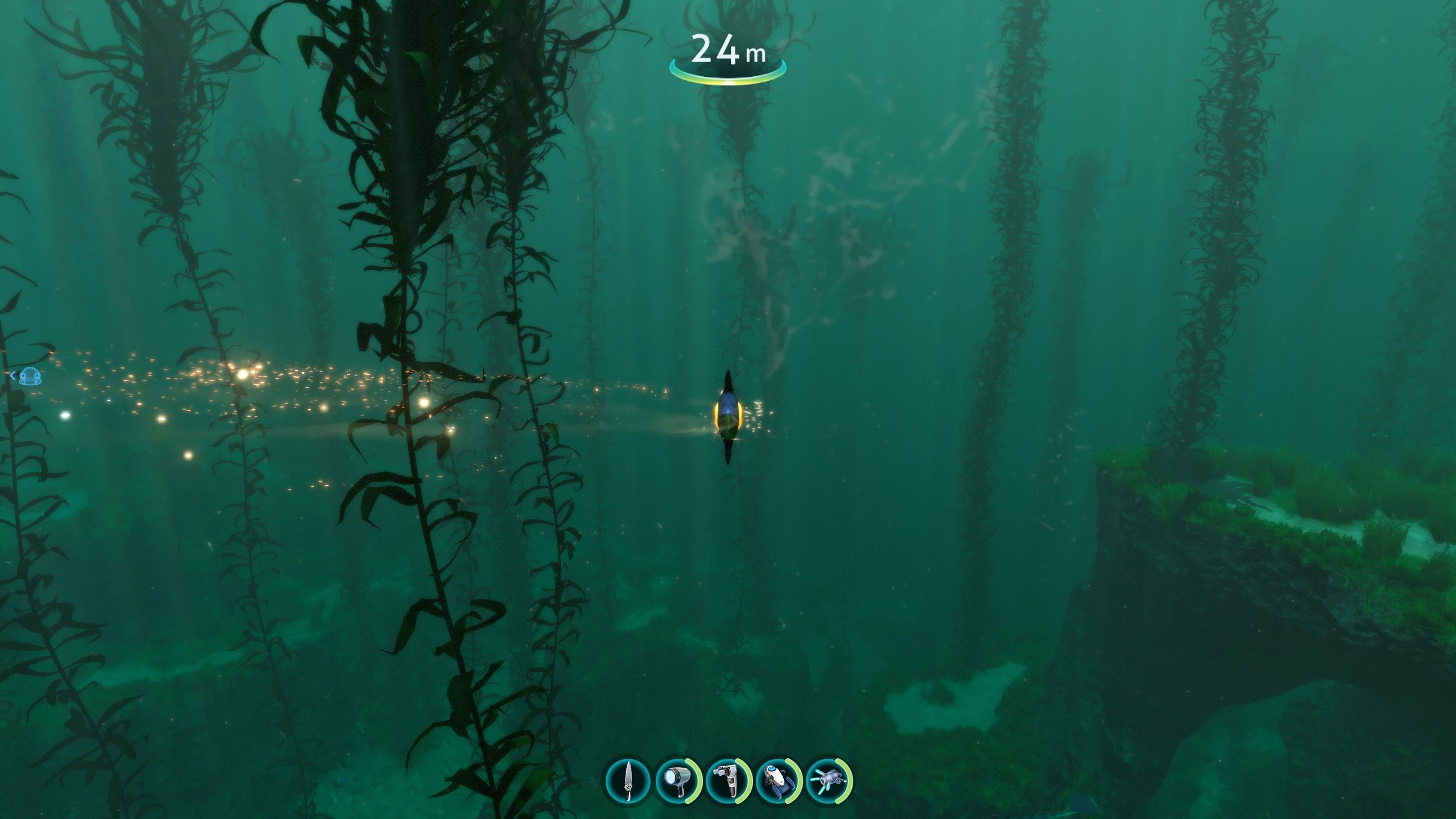
0.1.0Play Subnautica as a Peeper! This mod transforms your gameplay experience, letting you become the iconic fish and explore the world from a whole new perspective.
collections Gallery
I Am Peeper
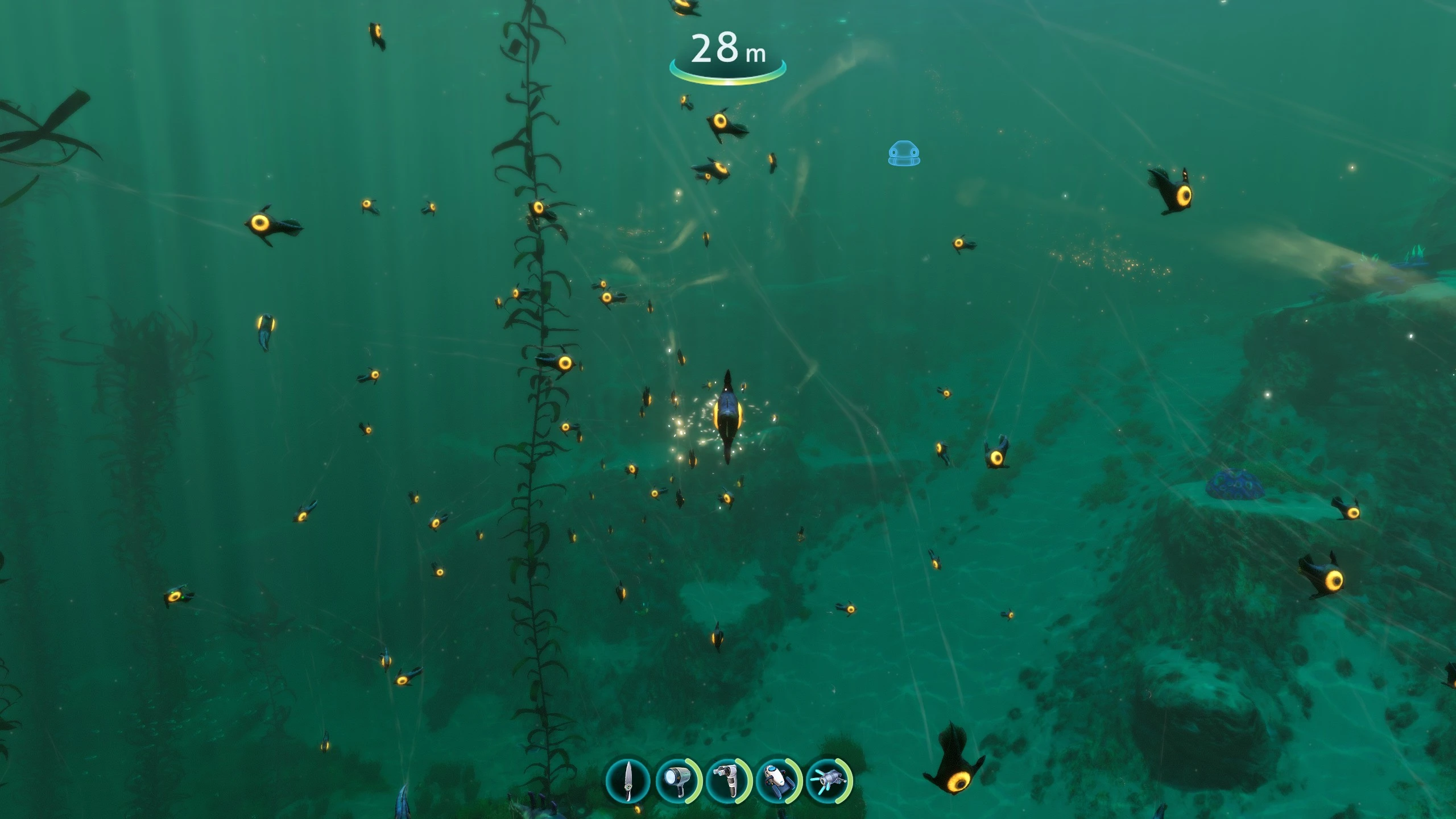
Play Subnautica as a Peeper! This mod transforms your gameplay experience, letting you become the iconic fish and explore the world from a whole new perspective.
Features
- Play as a Peeper: Your player model is replaced with a fully animated, camera-following peeper.
- Adjustable peeper size and camera inertia via in-game options.
- Disables the screen reticle for an immersive experience.
Requirements
This mod requires the following mods to be installed:
- BepInEx (modding framework)
- Nautilus (modding API)
- Configuration Manager (for in-game config UI)
- Third Person (for third-person camera)
Installation
- Install all required mods listed above.
- Download the latest release of I Am Peeper and extract it to your
BepInEx/pluginsfolder. - Launch the game.
Third Person Mod Configuration
The Third Person mod is required for the best experience. You must configure it to enable third-person mode:
- Launch the game and press
F5to open the Configuration Manager. - Find the Third Person mod in the list.
- Set a keybinding for enabling/disabling third person mode (e.g.,
F6). - Use your chosen key in-game to toggle third person mode on and off.
Note: You may need to adjust the camera position or settings in the Third Person mod for the best peeper view.
Options
Open the Configuration Manager (F5) and look for the "I Am Peeper" section to adjust:
- Peeper Scale (%)
- Peeper Inertia (%)
Source
Enjoy your new life as a Peeper!
Join the conversation
Log in to join the conversation
Connect with GitHub to post comments and react.
No comments yet — be the first to share your thoughts.
Versions
View AllProject Metadata
52
2